Message Analytics
Written By Alexander Haque
Last updated About 1 year ago
Clerk gives your organization the ability to dive into powerful insights to help you better manage your workspace, your support lines and sales teams - and everything in between.
Available for workspace owners & administrators by default. Owners and administrators may give permission to managers and agents.
💡 Analytics can be added for an additional fee.
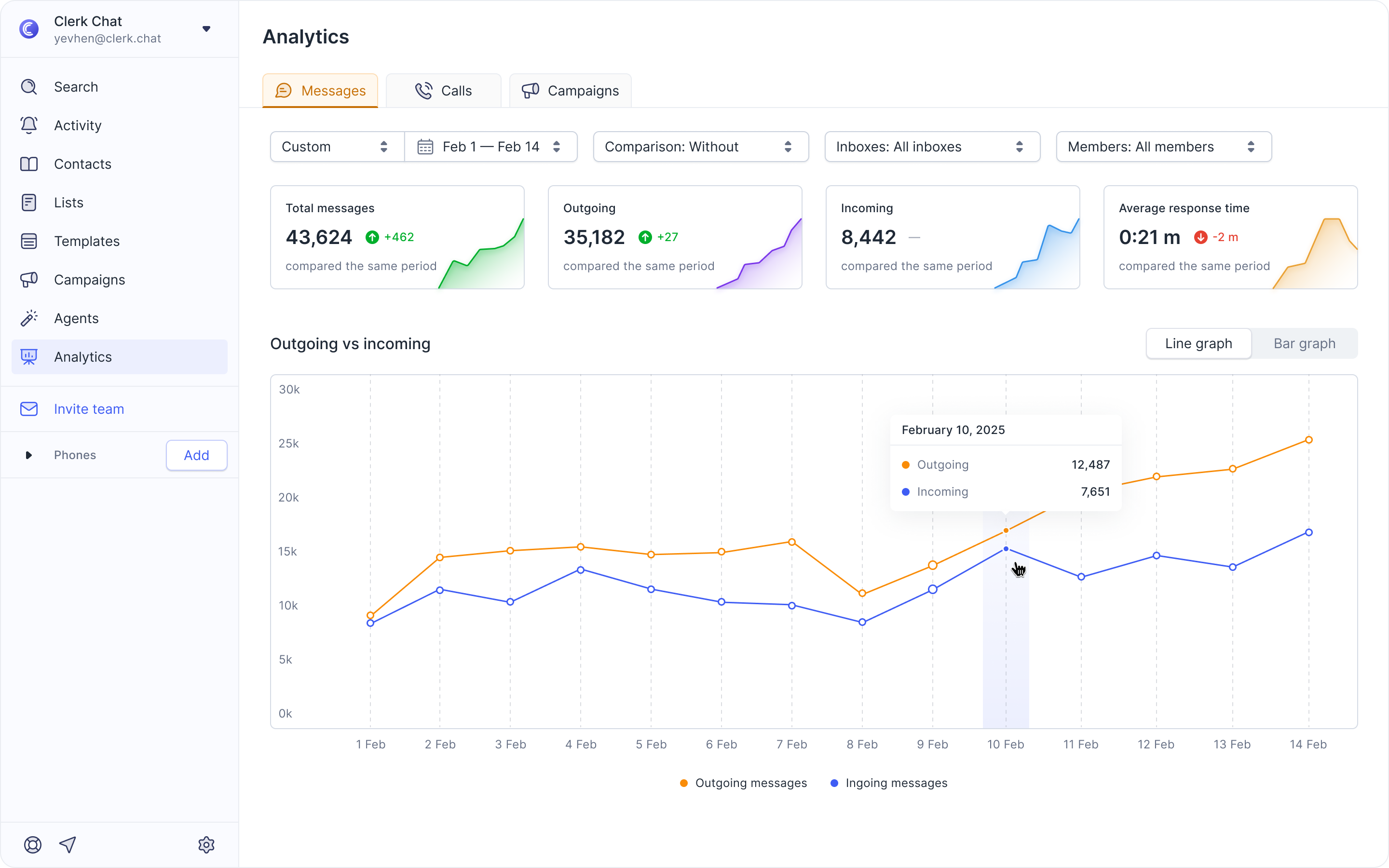
From this page you are able to check
Total messages used, over a specified time period.
Outgoing messages, and a time-interval 'growth rate'.
Incoming messages, and a time-interval 'growth rate'.
The average reply-rate to all incoming messages.
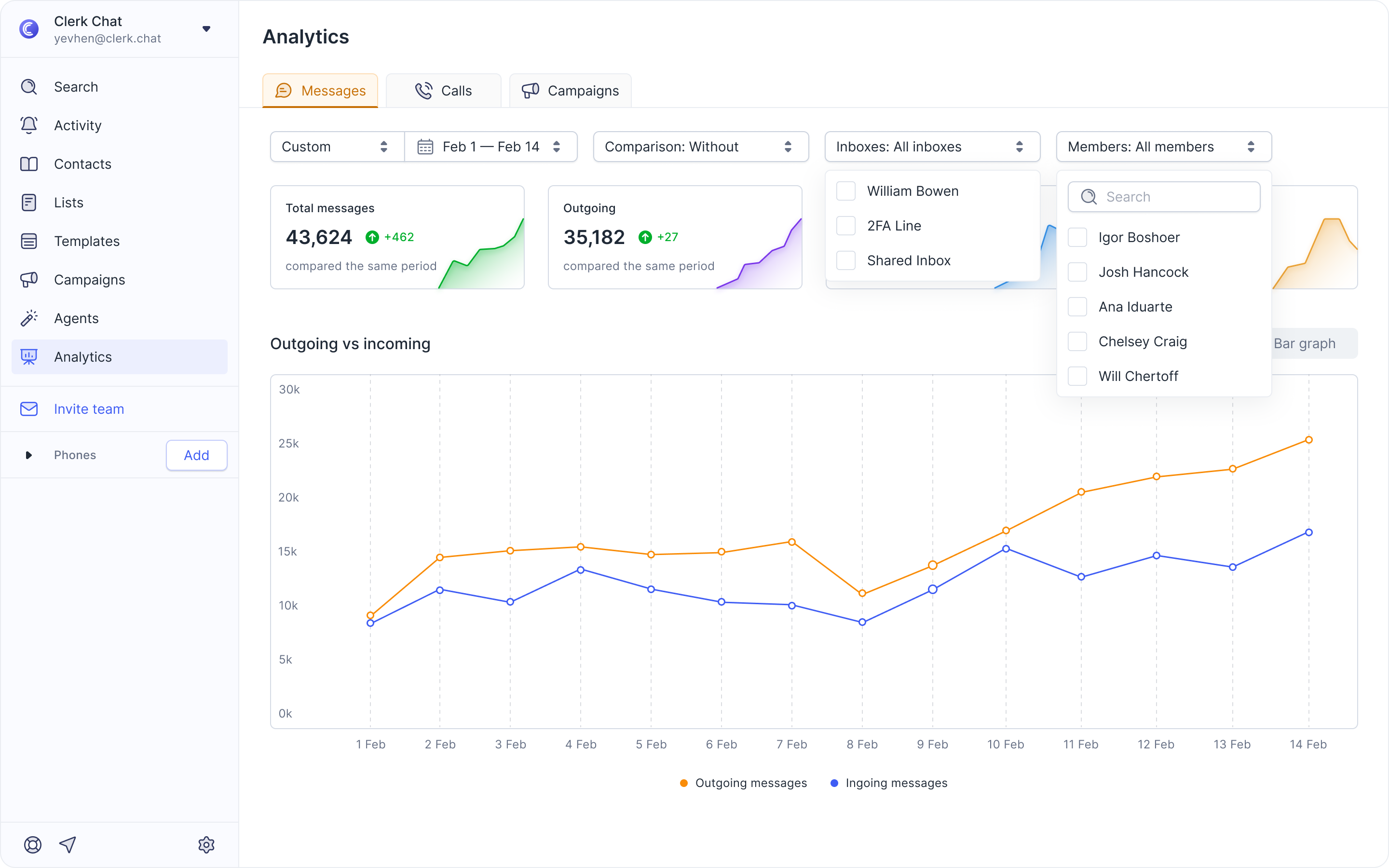
Filter by inbox / phone number
Get analytics for your entire organization, by default
Drill-down data by team-member Check who's a champion SMS sender and replier Or maybe who needs some coaching
Drill-down data by inbox / phone numberCheck which of your numbers are receiving the highest volume of messagesCheck which numbers are suffering on reply-rates and increase your time-to-support
Download Reports
Download your custom reports in CSV format.
Analytics Insights
Was this helpful?
Still need help? Share an idea