Text-to-Email Forwarding
SMS-to-email forwarding allows you to automatically send incoming SMS messages from a Clerk Chat inbox to an email address of your choice. This is useful if you want to monitor or respond to SMS messages from your email client or ensure your team doesn’t miss important messages.
Written By Clerk Chat
Last updated 12 months ago
How to Set It Up
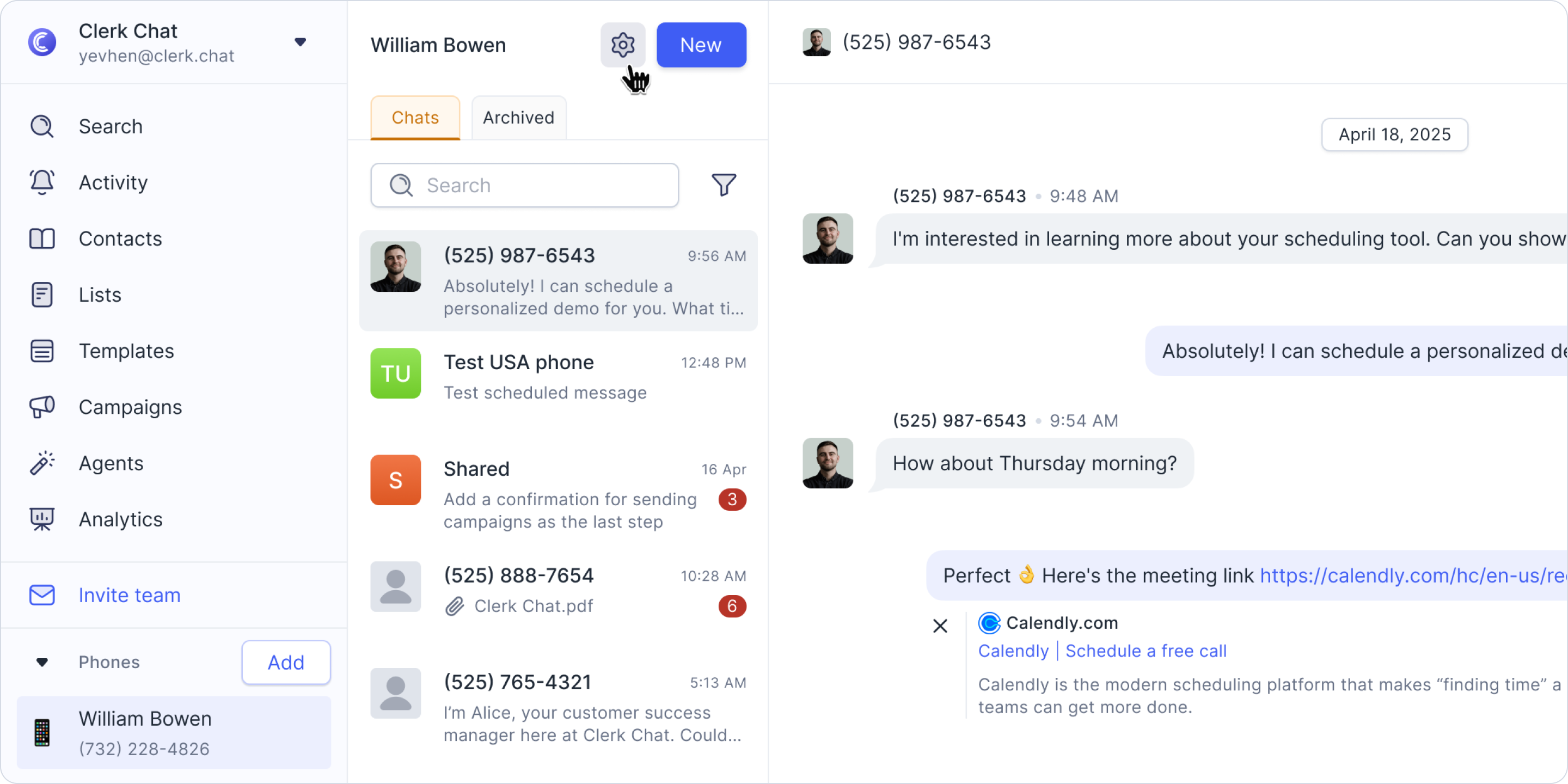
Go to the Inbox Settings for the inbox you want to configure.
Find the field labeled Forward message to email.
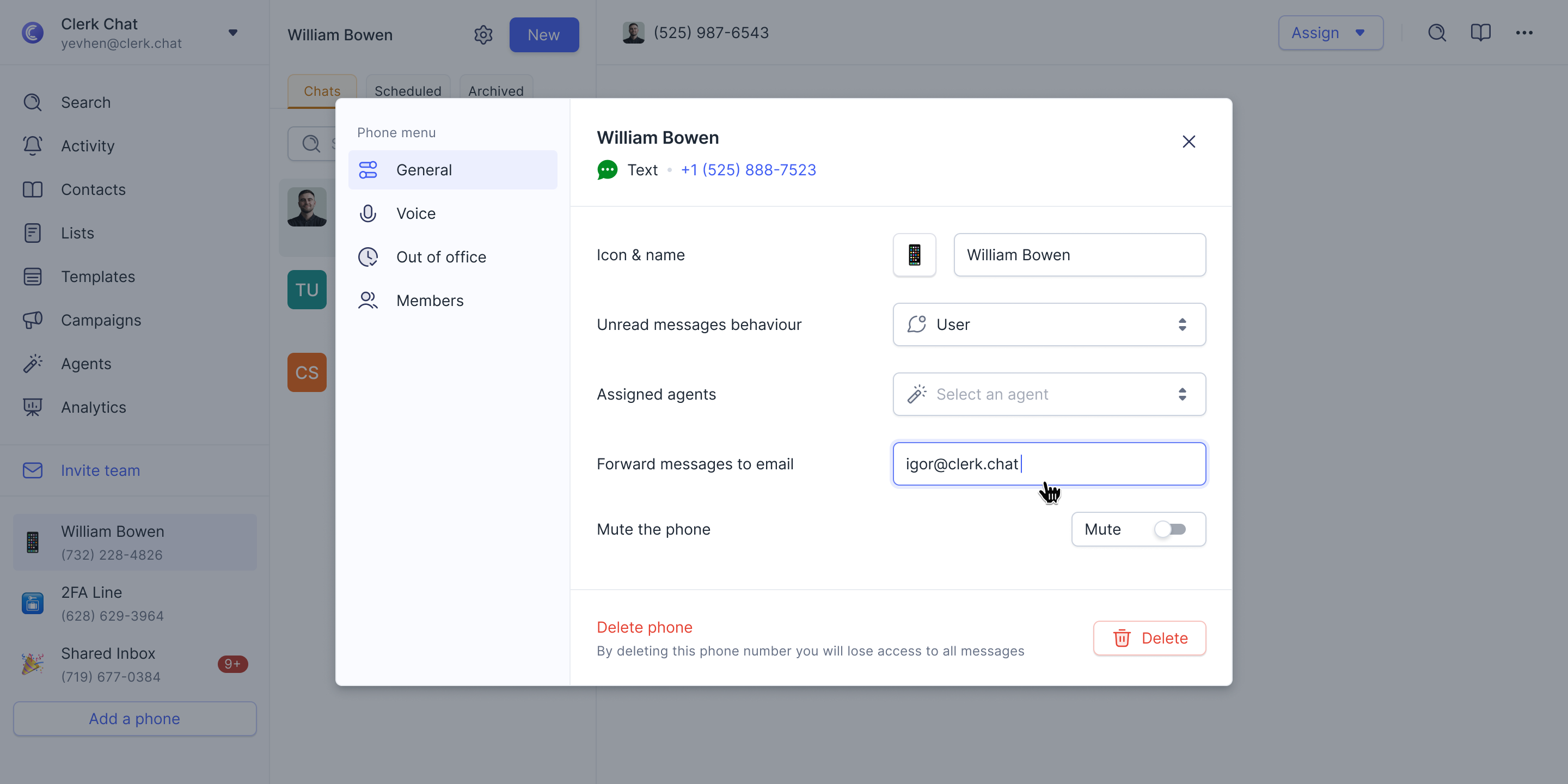
Enter the email address where you want the SMS messages to be sent.
Once enabled, all incoming SMS messages to that inbox will be automatically forwarded to the specified email address in real time. You can update or remove the email address at any time by returning to the same setting.
Was this helpful?
Still need help? Share an idea